Serverless platforms like Vercel and Netlify are great for frontend projects, but as your stack expands to include Nest.js backends, MongoDB/PostgreSQL databases, Redis queues, and WebRTC streaming servers, costs can escalate quickly.
Deploying on your own Linux VPS (DigitalOcean, Linode, Hetzner, or AWS EC2) offers total control, high performance, and massive cost savings. Here is the step-by-step production blueprint.
1. Containerization with Docker & Docker Compose
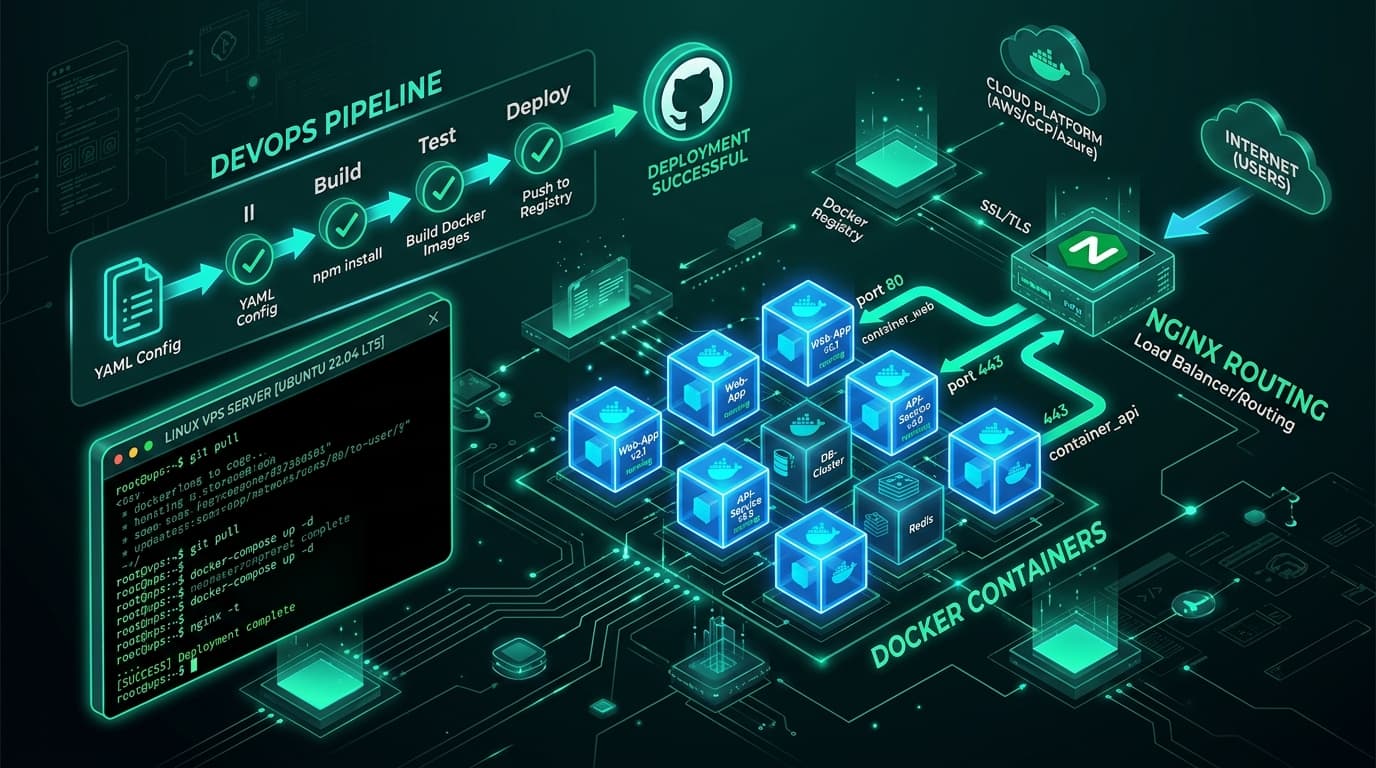
Docker isolates your application dependencies and guarantees identical behavior between local development and production servers.
# docker-compose.prod.yml
version: '3.8'

services:
  frontend:
    build:
      context: ./frontend
      dockerfile: Dockerfile
    restart: always
    environment:
      - NODE_ENV=production
    ports:
      - "3000:3000"

  backend:
    build:
      context: ./backend
      dockerfile: Dockerfile
    restart: always
    environment:
      - DATABASE_URL=postgresql://user:pass@db:5432/appdb
      - REDIS_HOST=redis
    depends_on:
      - db
      - redis
    ports:
      - "4000:4000"

  db:
    image: postgres:15-alpine
    restart: always
    environment:
      POSTGRES_USER: user
      POSTGRES_PASSWORD: pass
      POSTGRES_DB: appdb
    volumes:
      - postgres_data:/var/lib/postgresql/data

volumes:
  postgres_data:
2. Nginx as Reverse Proxy & SSL Termination
Nginx acts as the front gateway to route public traffic, handle WebSocket upgrades, compress assets with Gzip, and terminate TLS/SSL certificates via Let's Encrypt Certbot.
# /etc/nginx/sites-available/app.conf
server {
    server_name api.yourdomain.com;

    location / {
        proxy_pass http://localhost:4000;
        proxy_http_version 1.1;
        proxy_set_header Upgrade $http_upgrade;
        proxy_set_header Connection 'upgrade';
        proxy_set_header Host $host;
        proxy_cache_bypass $http_upgrade;
        proxy_set_header X-Real-IP $remote_addr;
        proxy_set_header X-Forwarded-For $proxy_add_x_forwarded_for;
    }
}
3. Automated CI/CD with GitHub Actions
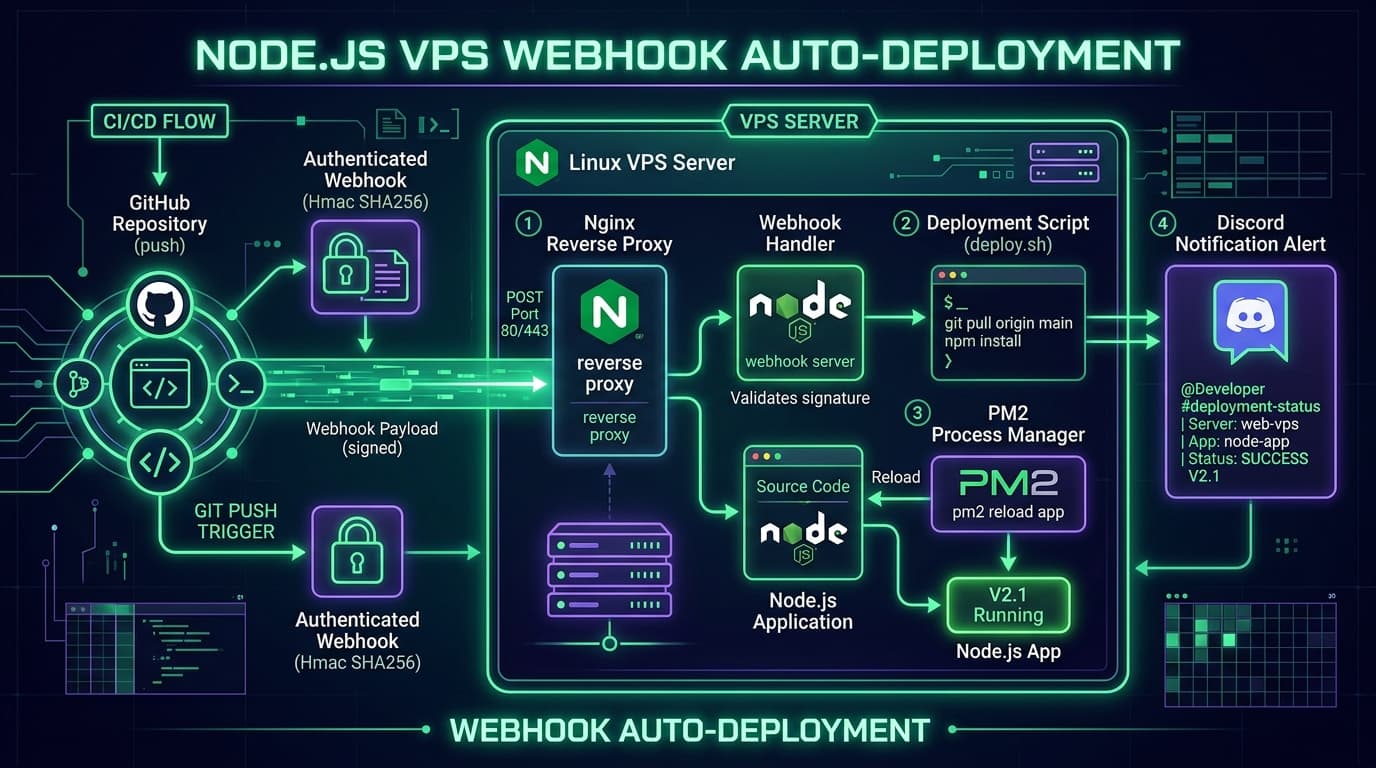
Whenever code is merged to the main branch, GitHub Actions builds and validates the project, SSHs into the VPS, pulls the latest images, and restarts containers with zero downtime:
# .github/workflows/deploy.yml
name: Production Deployment

on:
  push:
    branches: [ main ]

jobs:
  deploy:
    runs-on: ubuntu-latest
    steps:
      - name: Checkout Code
        uses: actions/checkout@v3

      - name: SSH to VPS & Deploy
        uses: appleboy/ssh-action@master
        with:
          host: ${{ secrets.VPS_HOST }}
          username: ${{ secrets.VPS_USER }}
          key: ${{ secrets.VPS_SSH_KEY }}
          script: |
            cd /opt/apps/my-production-app
            git pull origin main
            docker compose -f docker-compose.prod.yml up -d --build
            docker system prune -f
Production Hardening Checklist
- SSH Key Authentication Only: Disable password logins and change the default SSH port (e.g. 2222).
- Configure UFW Firewall: Only permit ports 22 (SSH), 80 (HTTP), and 443 (HTTPS).
- Automated DB Backups: Set up a cron job to snapshot PostgreSQL/MongoDB data to AWS S3 nightly.
- Monitoring & Logs: Use tools like Prometheus, Grafana, or lightweight options like Dozzle and Portainer.